DM Serif Display Font Family Download & Google CDN
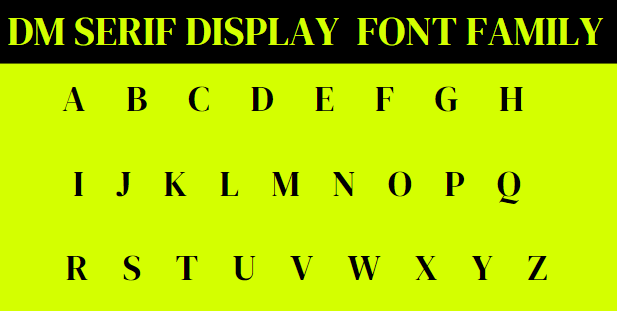
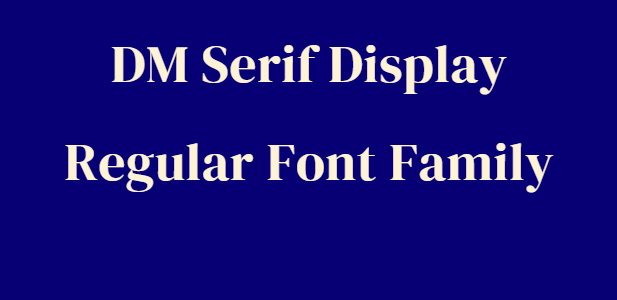
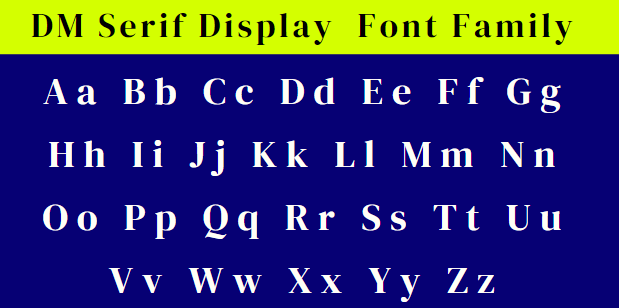
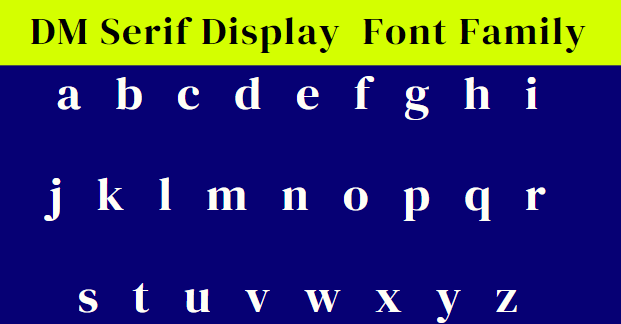
The DM Serif Display font is a top-notch and easy-to-read font in the world of typography. This guide will help you download its TrueType Font (TTF) files, set up the regular font style in CSS, and use the Google link to get this font. No matter if you’re an experienced web designer or a beginner, this guide will teach you how to easily add the DM Serif Display font to your work.
DM Serif Display Font Family CSS Style
font-family: 'DM Serif Display', sans-serif;DM Serif Display Google Font CDN Link
<link rel="preconnect" href="https://fonts.googleapis.com">
<link rel="preconnect" href="https://fonts.gstatic.com" crossorigin>
<link href="https://fonts.googleapis.com/css2?family=DM Serif Display" rel="stylesheet">
DM Serif Display Google Font Import
    <style>
    @import url('https://fonts.googleapis.com/css2?family=DM Serif Display');
    </style>
DM Serif Display Font Family CSS Editor
- DM Serif Display Regular 400DM Serif Display Regular 400 Select Regular 400
- DM Serif Display Regular 400 ItalicDM Serif Display Regular 400 Italic Select Regular 400 Italic
DM Serif Display Font Family CDN
<link href="https://fonts.googleapis.com/css2?family=Roboto" rel="stylesheet">Import
  <style>
@import url('https://fonts.googleapis.com/css2?family=Roboto&display=swap');
</style>
CSS
font-family: 'DM Serif Display', sans-serif;See how to add Google's 'DM Serif Display' Font to your project using CDN and Font CSS
Tags
Faqs DM Serif Display Google Font Family
⭐Q: What is DM Serif Display Font Family?
DM Serif Display is a high-contrast serif font family designed for large displays, headings, and titles. It features delicate serifs and fine detailing, making it a striking and elegant choice for prominent text elements.
⭐Q: What are some good font pairings for DM Serif Display?
For a classic look, consider pairing it with a sans-serif font like Open Sans or Raleway. For a more contrasting pairing, try a geometric sans-serif like Futura or Gotham.
⭐Q: Is there a thin version of DM Serif Display?
Unfortunately, there is no official thin version of DM Serif Display available. However, you can use CSS font-weight adjustments to achieve a lighter appearance
⭐Q: Is DM Serif Display available in WOFF2 format?
Yes, DM Serif Display is available in both WOFF and WOFF2 formats for optimal web performance.
⭐Q: Is there an italic version of DM Serif Display?
Yes, DM Serif Display comes in several weights, including Light which is a thinner option. You can download all weights from Google Fonts or other font libraries.