Searching....
Search Results
Font Awesome Bullseye Icon (Target, Goal, Objective)
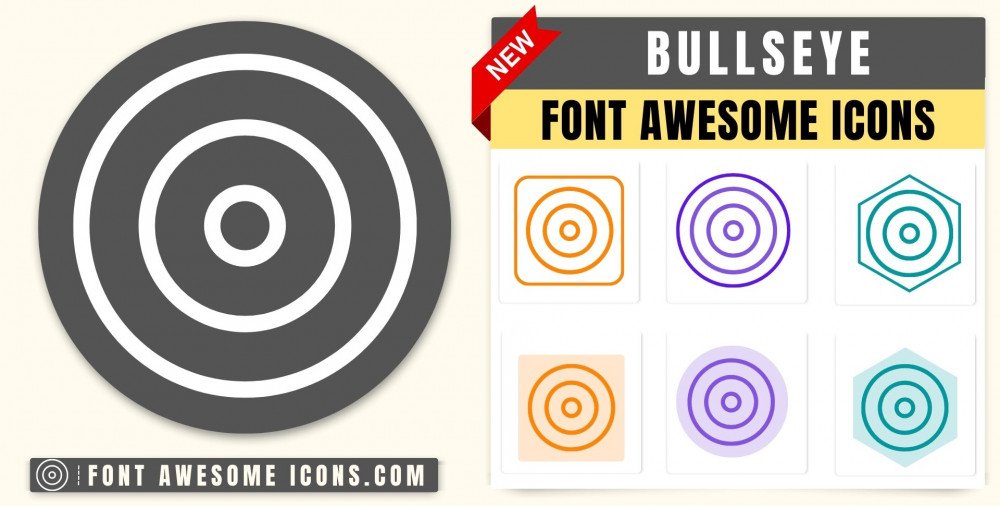
The Font Awesome Bullseye Icon it used represents a target, goal, or objective. It’s like aiming for the center of a bullseye in archery or hitting a specific target. If you want to edit or customize this bullseye icon, utilize the 'Try It' editor to change its color, size, and animation.
Fontawesome Version 4.X
bullseye
<i class='fa fa-bullseye'></i> bullseye
<i class='fa fa-bullseye' style='color: white'></i> bullseye
<i class='fa fa-bullseye' style='color: red'></i> bullseye
<i class='fa fa-bullseye' style='color: blue'></i> bullseye
<i class='fa fa-bullseye' style='color: #f3da35'></i> Fontawesome Version 5.X
bullseye
<i class='fas fa-bullseye'></i> bullseye
<i class='fas fa-bullseye' style='color: white'></i> bullseye
<i class='fas fa-bullseye' style='color: red'></i> bullseye
<i class='fas fa-bullseye' style='color: blue'></i> bullseye
<i class='fas fa-bullseye' style='color: #f3da35'></i> Fontawesome Version 6.X
bullseye
Web
<i class='fa-solid fa-bullseye'></i> React
<FontAwesomeIcon icon="fa-solid fa-bullseye" /> Vue
<font-awesome-icon icon="fa-solid fa-bullseye" /> bullseye
Web
<i class='fa-solid fa-bullseye' style='color: white'></i> React
<FontAwesomeIcon icon="fa-solid fa-bullseye" style={{color: 'white'}} /> Vue
<font-awesome-icon icon="fa-solid fa-bullseye" :style="{color: 'white'}" /> bullseye
Web
<i class='fa-solid fa-bullseye' style='color: red'></i> React
<FontAwesomeIcon icon="fa-solid fa-bullseye" style={{color: 'red'}} /> Vue
<font-awesome-icon icon="fa-solid fa-bullseye" :style="{color: 'red'}" /> bullseye
Web
<i class='fa-solid fa-bullseye' style='color: blue'></i> React
<FontAwesomeIcon icon="fa-solid fa-bullseye" style={{color: 'blue'}} /> Vue
<font-awesome-icon icon="fa-solid fa-bullseye" :style="{color: 'blue'}" /> bullseye
Web
<i class='fa-solid fa-bullseye' style='color: #f3da35'></i> React
<FontAwesomeIcon icon="fa-solid fa-bullseye" style={{color: '#f3da35'}} /> Vue
<font-awesome-icon icon="fa-solid fa-bullseye" :style="{color: '#f3da35'}" /> How to add Font Awesome bullseye Icon ?
Font Awesome Icon fa fa bullseye Icon can be added to any web page simply as below. You can integrate Icon in web pages by just adding following below syntax & icon code.
HTML Code
Get complete html code for icon bullseye
                    <!DOCTYPE html>
                    <html>
                        <head>
                        <title>Page Title</title>
                        <link rel='stylesheet' href='https://cdnjs.cloudflare.com/ajax/libs/font-awesome/4.7.0/css/font-awesome.min.css'>
                       </head>
                        <body>
                        <i class='fa fa-bullseye'></i>
                        </body>
                    </html>
Tags
Target,Goal,Aim,Mark,Direct hit,Objective
Change Font Awesome Icon Bullseye Color
Sometimes we need icons in different color, as we suggested by adding css style we can change color. Here we have created one example to change color of icons with css classes.
    <style>

    .blue-color {

        color:blue;

    }


    .green-color {

        color:green;

    }


    .teal-color {

        color:teal;

    }


    .yellow-color {

    color:yellow;

    }


    .red-color {

        color:red;

    }

   </style>


     <i class='fa fa-bullseye blue-color'></i>
      <i class='fa fa-bullseye green-color'></i>
      <i class='fa fa-bullseye teal-color'></i>
      <i class='fa fa-bullseye yellow-color'></i>
      <i class='fa fa-bullseye red-color'></i>
Output of the above example will be as below- Note- Make Sure You have included the below Font Awesome file in header-
<link rel='stylesheet' href='https://cdnjs.cloudflare.com/ajax/libs/font-awesome/4.7.0/css/font-awesome.min.css'>
Advertisements
Advertisements