Vue Js Convert String Boolean
Vue Js Convert String Boolean:In Vue.js, the triple equals operator (===) is used for strict equality comparison, which means that it checks if the operands have the same type and the same value. When converting a string to a boolean using ===, it will evaluate to false if the string is empty or contains only whitespace characters. Otherwise, it will evaluate to true. This is because the string "true" or "false" is not the same as the boolean values true or false. Therefore, using === to convert a string to a boolean is a precise way of ensuring that the resulting value is either true or false, and not some other truthy or falsy value.




Thanks for your feedback!
Your contributions will help us to improve service.
How can you Vue Js convert a string to a boolean?
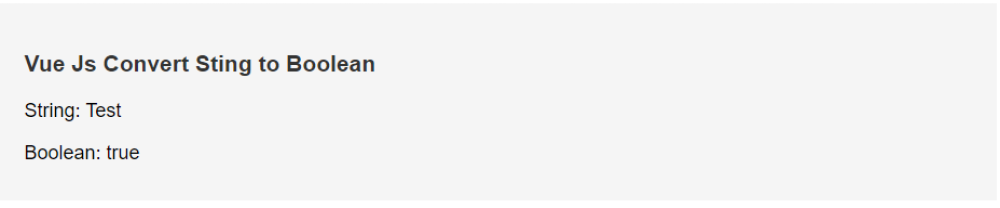
The Below code is an example of how to convert a string into a boolean in Vue.js using a computed property. In this example, the string "Test" is assigned to the myString data property. A computed property named myBoolean is defined which checks if myString is equal to the string "test" in lowercase.
If myString is equal to "test" in lowercase, then the computed property myBoolean will return true. If myString is not equal to "test" in lowercase, then myBoolean will return false.
This is an example of using a computed property to convert a string into a boolean. This approach can be useful when you want to use a boolean value based on a string value in your Vue.js application.
Output of Vue Js Convert String Boolean