Vue js Scroll div to bottom
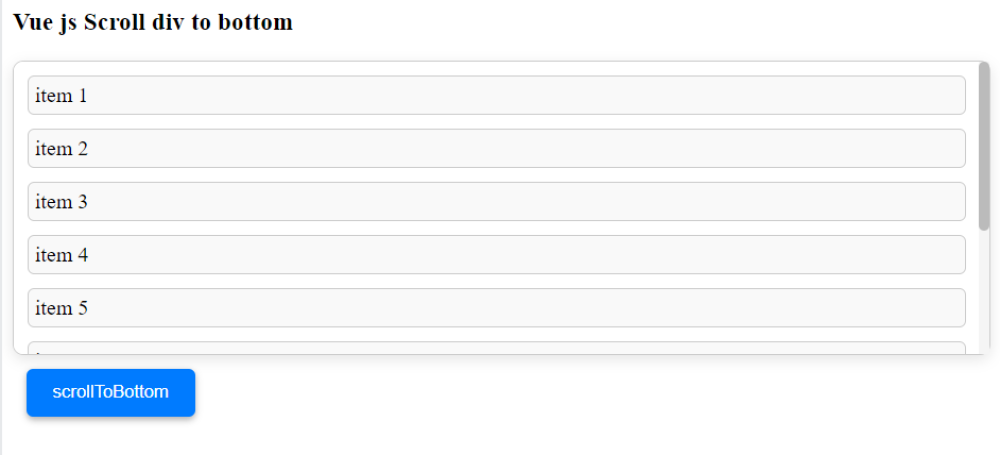
Vue Js Scroll Div to Bottom:To scroll a div to the bottom in Vue.js, you can use the ref attribute to reference the div in your component's template, and then use the $refs object to access the div's scroll properties. One way to do this is to set the scrollTop property of the div to its scrollHeight property, which will scroll the div to the bottom.



Thanks for your feedback!
Your contributions will help us to improve service.
How can you implement automatic scrolling to the bottom of a div using Vue.js?
This code is a Vue.js application that displays a list of messages and a button to scroll to the bottom of the list. The messages are stored in the messages array in the data object of the Vue instance. The v-for directive is used to iterate over the messages array and display each message in a div element.
The scrollToBottom method is called when the user clicks the button. This method uses the $refs property to get a reference to the scrollable div that contains the messages, and then sets the scrollTop property of the div to the scrollHeight, which scrolls the div to the bottom.
Output of Vue Js Scroll Div to Bottom