React Js Convert String into Title Case
React Js Convert String into Title Case:To convert a string into title case using React.js, you can follow these steps. First, split the string into an array of words using the split() method. Then, iterate over each word in the array and capitalize the first letter of each word using the charAt() and toUpperCase() methods. Finally, join the modified array back into a string using the join() method with a space as the separator.




Thanks for your feedback!
Your contributions will help us to improve service.
How can I convert a string into title case using React.js?
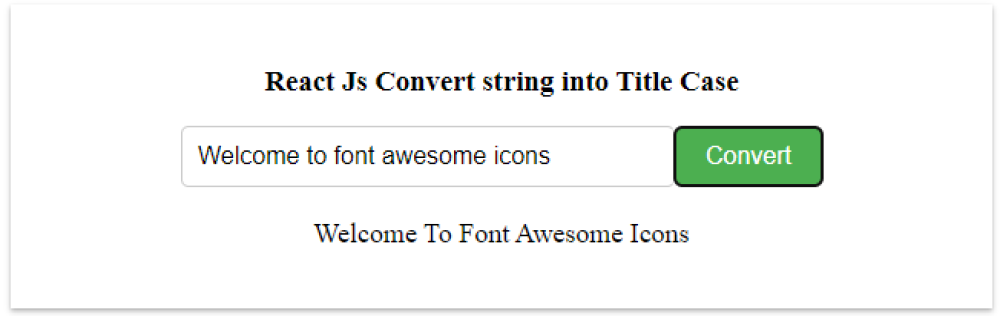
This code snippet demonstrates a React.js component that converts a string into title case. It initializes two state variables: inputText with a default string, and convertedText as an empty string. The handleChange function updates the inputText state with the value entered in the input field. When the "Convert" button is clicked, the convertToTitleCase function is triggered. It converts the inputText into title case by capitalizing the first letter of each word and updates the convertedText state. The converted text is displayed below the button.
Output of React Js Convert String into Title Case
How can you convert a string into title case using regex in React.js?
The provided code is a React.js component that converts a given string into title case using regular expressions (regex). It uses the useState and useEffect hooks from React. The toTitleCase function takes a string, converts it to lowercase, and uses regex to match the start of a word (after whitespace, hyphen, or apostrophe) and convert it to uppercase
Output of React Js Convert String into Title Case using regex
